


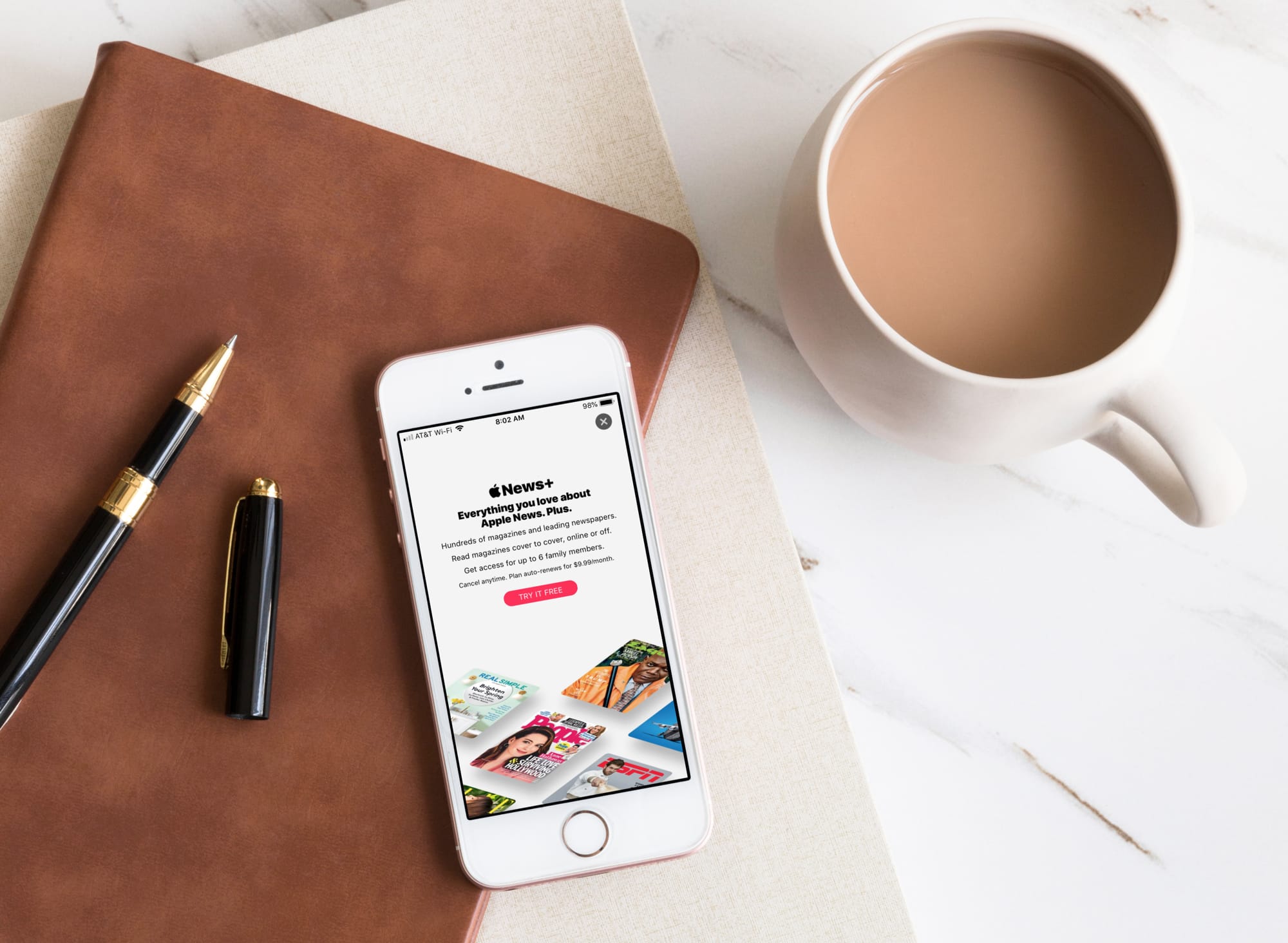
At Apple’s March media event, a new subscription service was announced called Apple News+. This service is part of the News app and gives subscribers access to over 300 magazines, newspapers, and publications.
If you’re ready to jump on board and check out magazines
like People and National Geographic Magazine along with newspapers like The
Wall Street Journal and the Los Angeles Times, here’s how to subscribe to Apple
News+ on iPhone or iPad.
Subscribe in the News app
First things first, make sure that you update your device to iOS 12.2.
Next, make sure you have the News app. If you previously deleted it, you can redownload it on the App Store for free.
Now, open the News app and follow these simple steps to
subscribe to Apple News+.
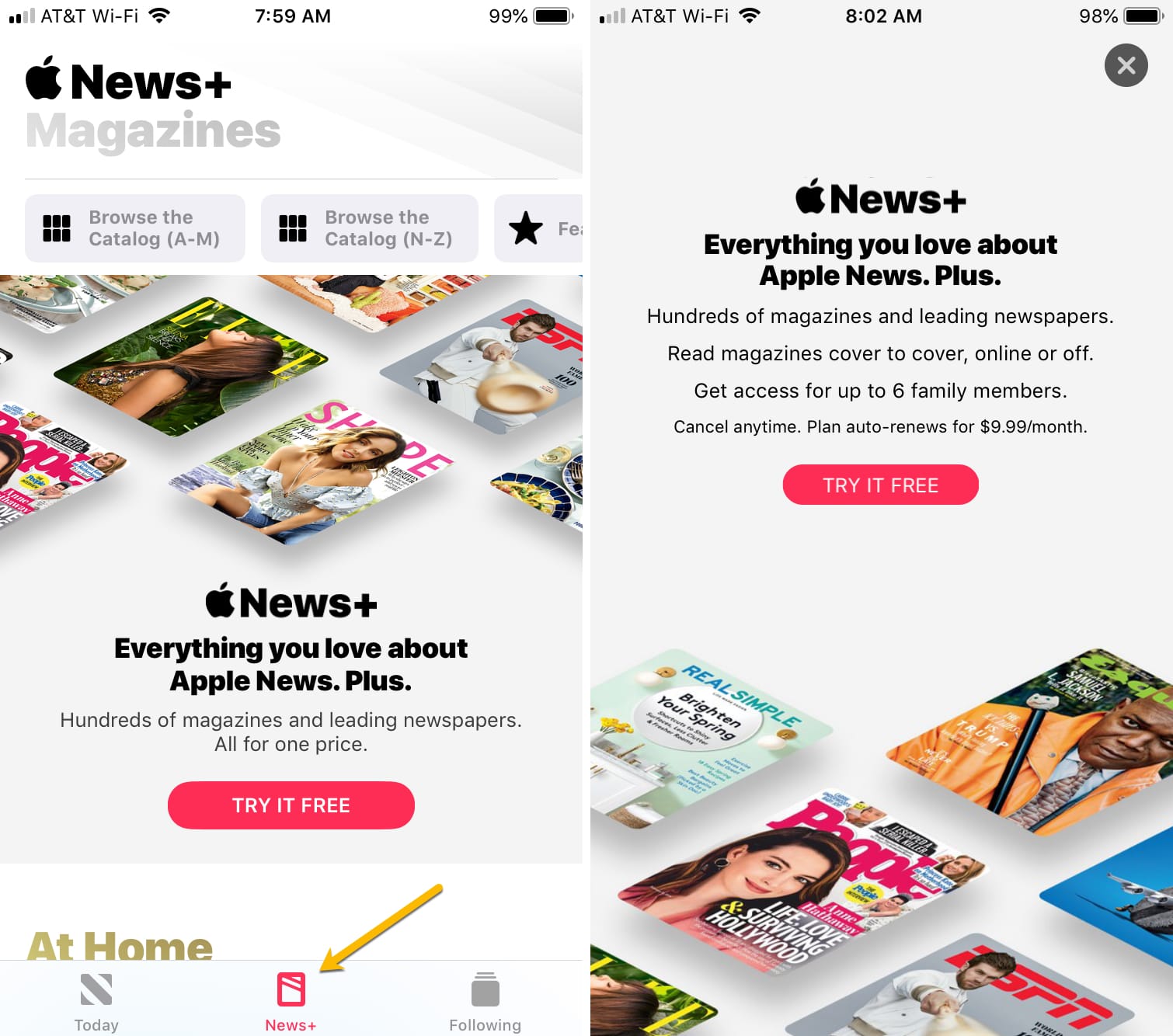
1) Tap the Apple News+ tab at the bottom.
2) Tap Try It Free and then tap it again on the
next screen.
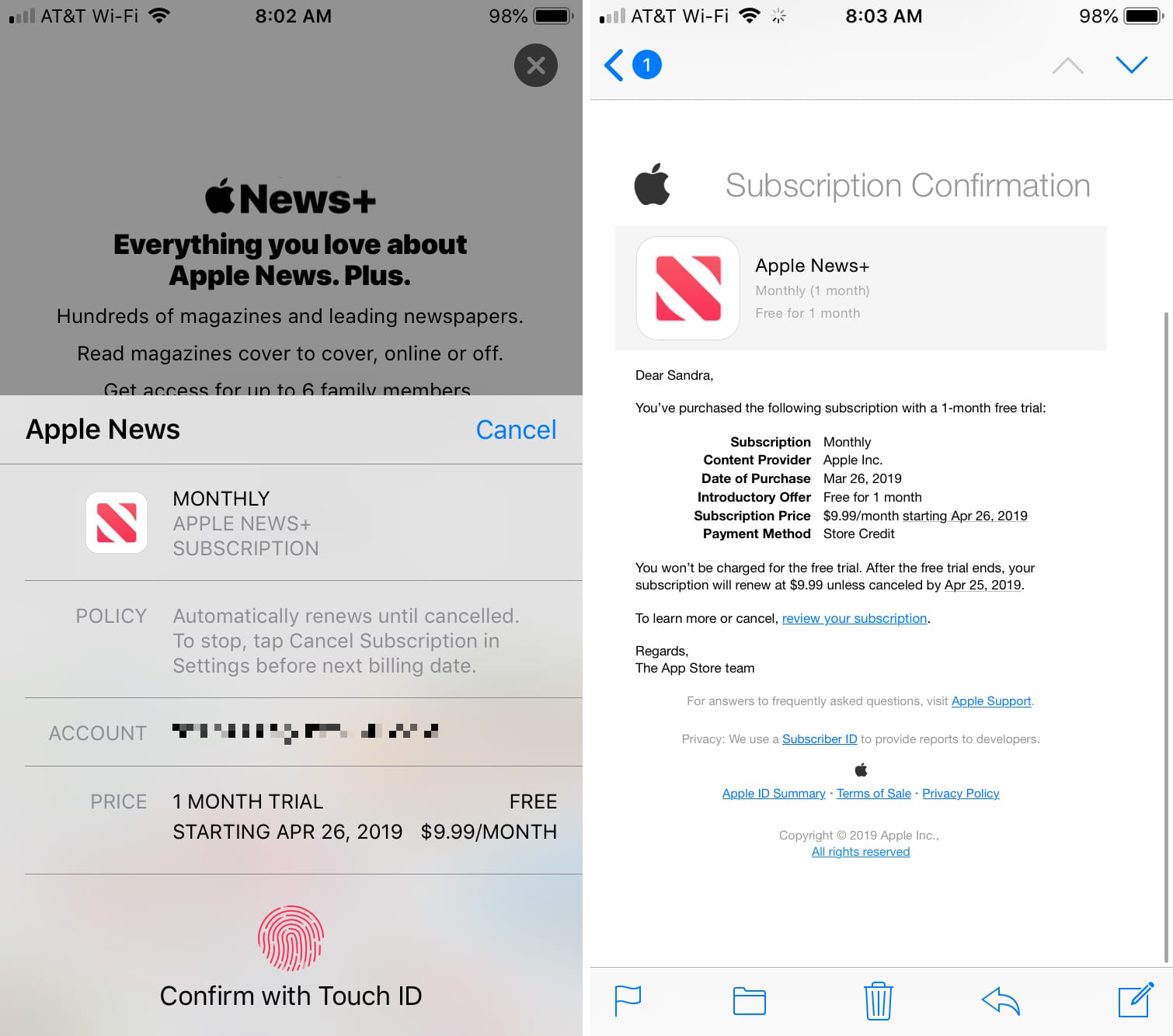
3) Use Touch ID/Face ID or enter your App Store password as you would when purchasing any other app.
And that’s it! You should receive your email confirmation
with details of the subscription as normal. You’ll then have immediate access
to the Apple News+ catalog.
If you read the News app on your Mac, you can access Apple News+ there as well. Just make sure you update to macOS 10.14.4.
Apple News+ is available for $9.99 per month in the U.S. and $12.99 per month in Canada. And, you receive a one-month trial so you can check it out free.
To cancel you free trial or subscription, you can do what you would do for any other subscription such as Apple Music or apps. Simply open the App Store app, tap on your profile icon in the upper right corner, and select the Subscriptions tab. From there, cancel the Apple News+ trial or subscription.
Wrapping it up
Apple News+ is a great way to get digital magazines and newspapers
at a reasonable price. And since there is a free trial, you can take it for a
test ride first. Do you plan to subscribe to it or are you going to pass? Let
us know.