

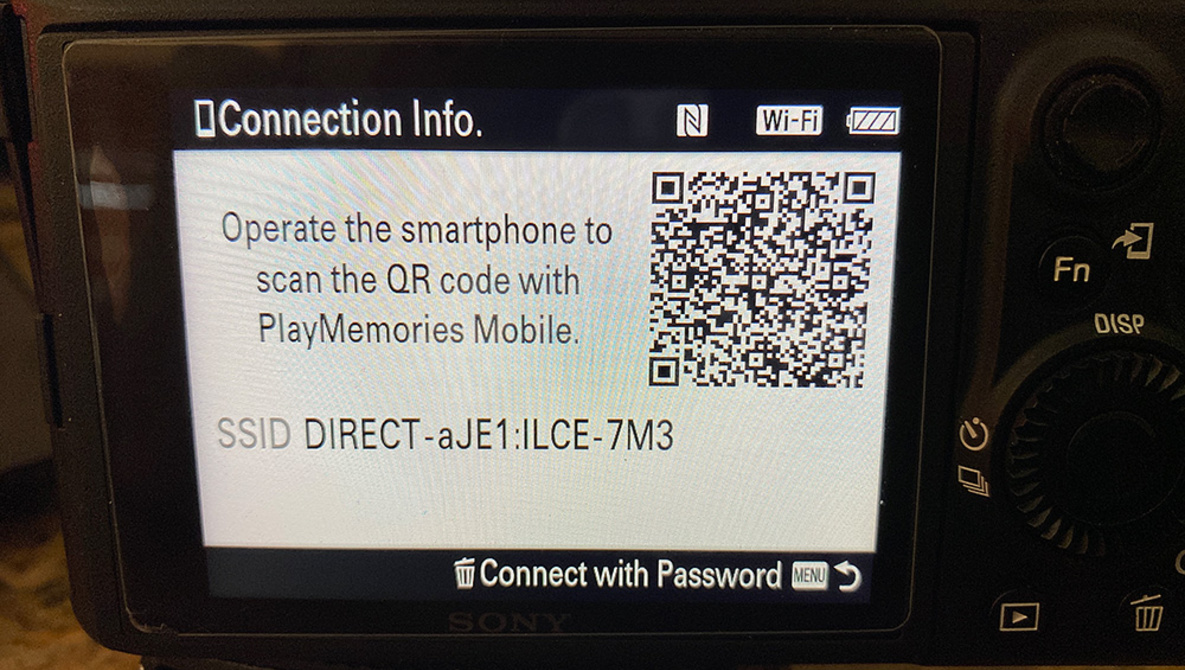
For people that want to connect their cameras to their smartphones for control it can be a nasty bug ridden adventure. If you look at apps designed to connect for Nikon, Canon, and Sony cameras you’ll see reviews that go from faint praise to horrible.
I’ve had a Sony a7 III for more than a year. Recently Sony’s Playmemories app was discontinued for any Sony Alpha Series camera, so now it’s up to 3rd parties to provide some solutions.
One app I’ve recently checked out is CCPro. It sells for $11.99 and offers a variety of features, including a time lapse assistant, a sequence builder, camera settings control, and an image browser allowing you to download and share images.

Currently, it supports the Sony a7 III, a7R III, and the a9 (firmware <6.0). The a7R IV and a9 II are not supported yet.
Other features of note are an Astrophotography Assistant, that will calculate the longest shutter speed to to avoid star trails. This is helpful for milky way photography. You can choose between rule of 500 or NPF rule.
The Time Lapse Assistant that let’s you choose the time between each image, and select the total time of the time lapse (up to infinity). During the time lapse you can change shutter speed and ISO. This makes a time lapse of sunrise or sunset easy.

Shutter speed control is easy too. Type the shutter speed you want, and the number of images you want taken.
With the Sequence Editor you can define different sequences of camera settings and play each sequence one time or more often with just one button click. And if you want to use the sequence again, you can reopen old sequences.
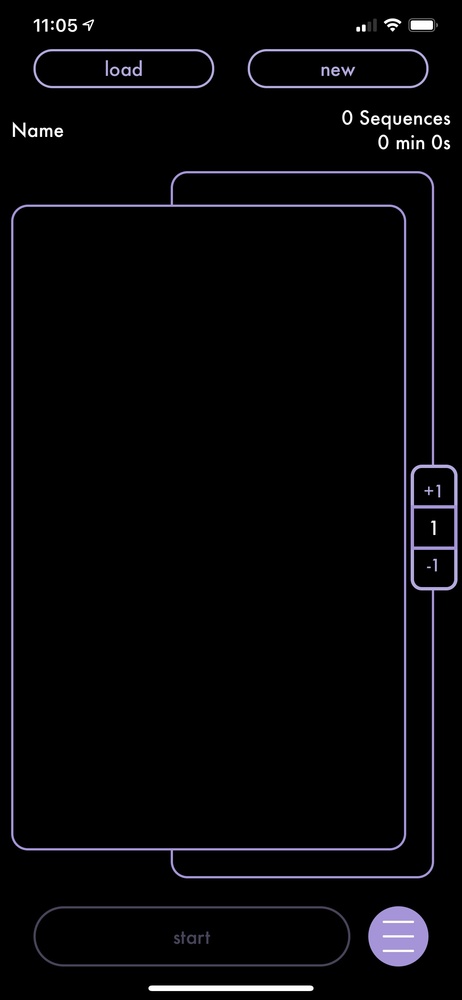
The app can also function as a monitor, so you can see images that would normally be on the LCD screen on your camera.
CCPro supports downloading images to your phone, but the rub is they can’t be raw images, only JPEGs. That’s a Sony issue, not a problem with the app.
In theory, it’s all very nice. In practice, like the apps for Canon and Nikon, there are frequent issues connecting to the camera. I had the most success with WiFi, but there are also options for using an NFC connection or do the setup from a Camera displayed QR code. Those methods often did not work or were flaky. Other users report the same issues. I think this is more down to how the camera makers deal with connectivity. Looking at forum posts, and app store reviews, most people are not happy with how these apps work.
Although CCPro has a help icon, when you tap it, it turns out to be a web link. That won’t be helpful if you are away from cellular towers or WiFi.
Personally, I would not want to rely on smartphone connectivity in my photo work. I find that using a cable-type release for time exposures works better, and I’ve had good luck with the Pluto Trigger on Canon and Sony Cameras, but that’s a very versatile hardware solution, not a smartphone solution.
CCPro does work, once (and if) you reliably connect. I tried some time exposures, a short time-lapse, and adjusted settings on the camera successfully. On the other hand, the GUI is in need of a rethink. When you go to the page where you get options to connect, if all the options fail, you can’t get off that page. The only way to get back to your phone screen is to crash out of the app. It’s a silly oversight and should be an easy fix.

At least on my Sony a7 III, it worked after I got used to the connection foibles, but a couple of times the camera dropped the WiFi connection. CCPro has potential, but Sony needs to make camera connection easier, eliminate the many steps it takes to connect, and publish a simple protocol for developers.
From reading reviews, Canon and Nikon should do the same. There may be people who are using these kinds of apps reliably all the time, but I think they are not ready for daily use yet. Please share your experiences, good and bad in the comments.
What I Liked
- Many functions
- Menus are clear
- More functional than the similar apps I’ve looked at
What I Didn’t Like
- Camera/smartphone interface is clunky and unreliable
- Some menus are dead ends that can’t be exited from
- Pricey
- Help not built in