

We’re continuing to learn some quite interesting details about Apple’s new 16-inch MacBook Pro notebook, including an adjustable refresh rate feature that marks the first time an Apple notebook has included a Retina display capable of switching between different refresh rates.
You can switch between these refresh rates on the notebook’s Retina display:
- 60 Hertz
- 59.94 Hertz
- 50 Hertz
- 48 Hertz
- 47.95 Hertz
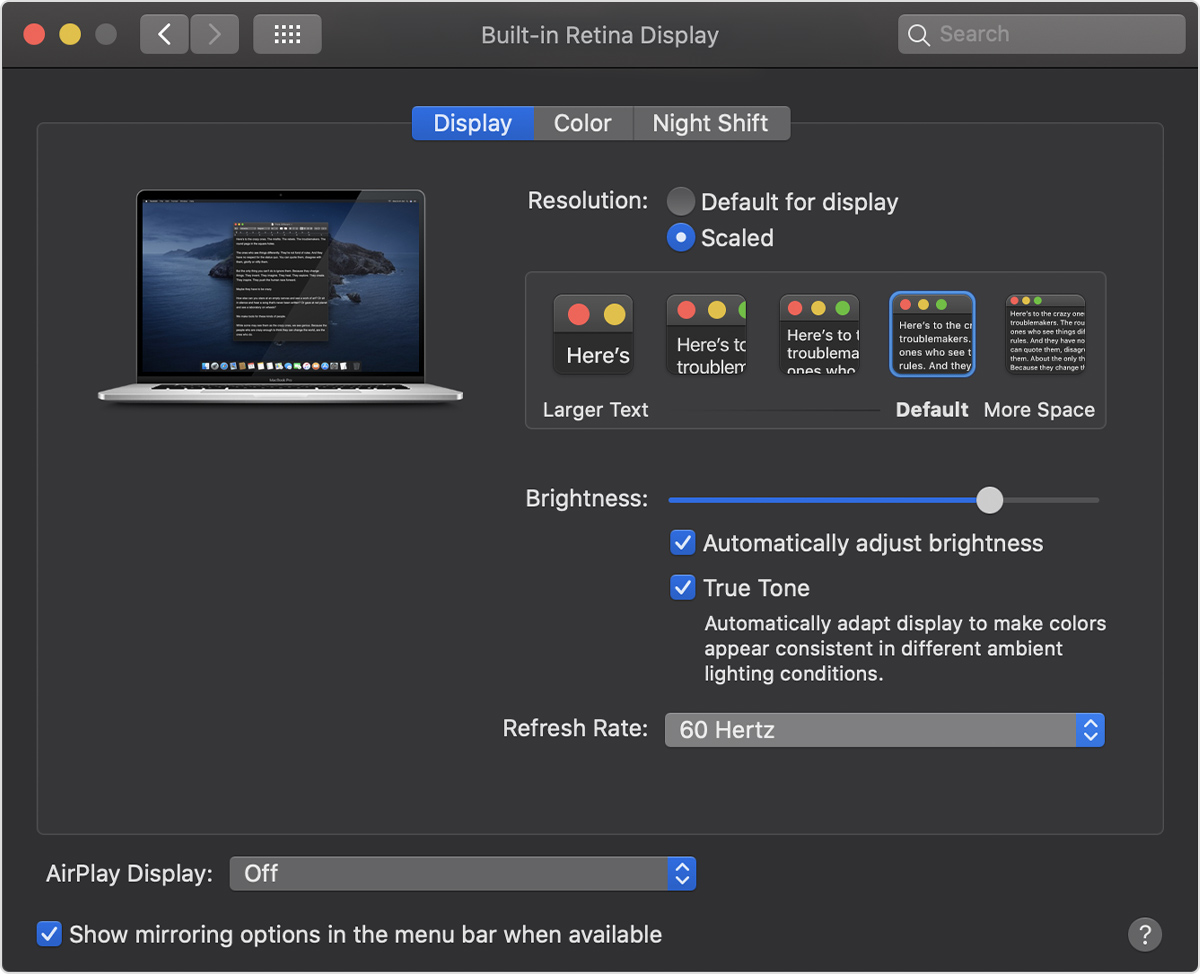
To change the Retina display’s refresh rate, follow the steps below.
1) Choose System Preferences from the Apple menu.
2) Click the Displays icon in the System Preferences window.
3) Press and hold the Option key and select the Scaled button.
4) Doing so forces the Refresh Rate pop-up menu to appear. Click it and choose a refresh rate.
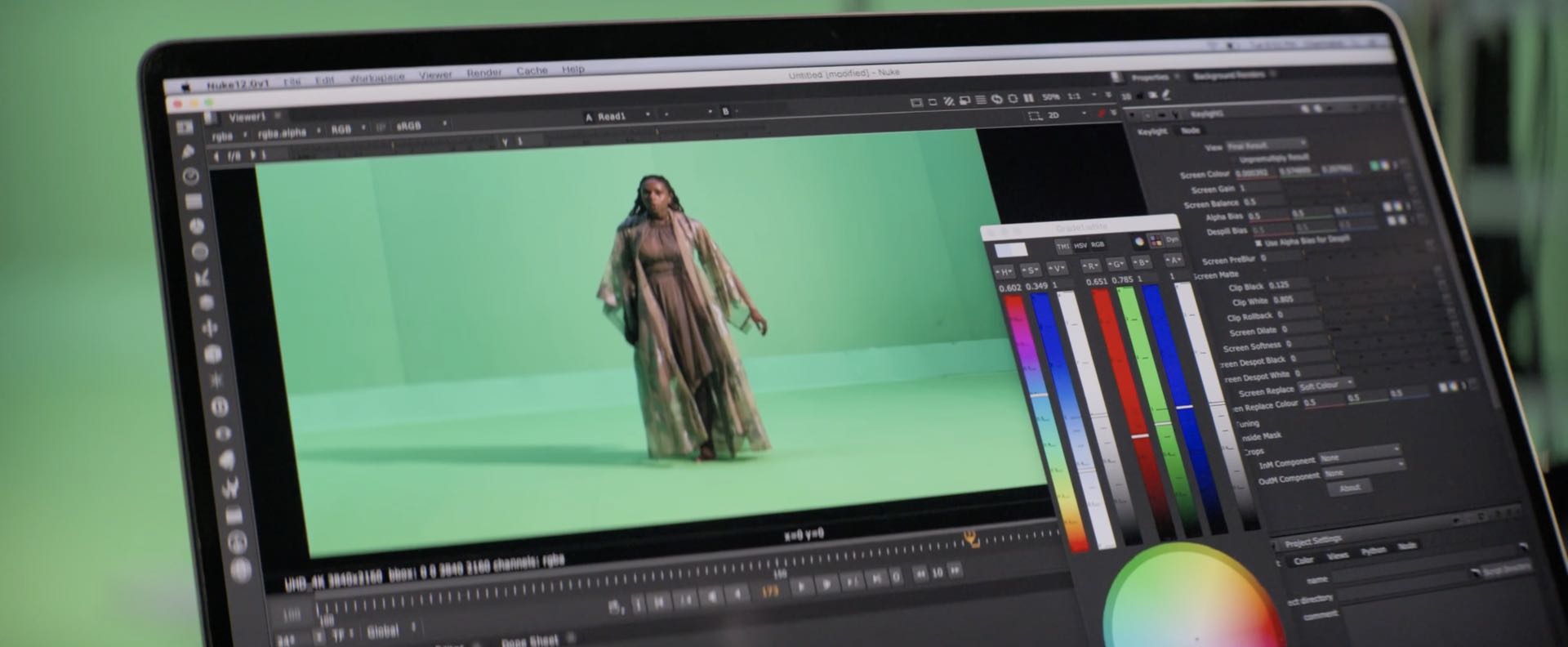
Having an adjustable refresh rate is yet another feature specifically aimed at the notebook’s creative pro audience, namely video editors. Apple advises choosing a Retina refresh rate that divides evenly into the frame rate of your content in order to avoid tearing and other artifacts.
We first learned about this from Apple’s official technical specifications for the new 16-incher which spell out that the machine’s Retina display supports the aforementioned refresh rates.
Apple provides additional information in a dedicated support document on its website.
“For example, if the content you’re viewing is 24 frames per second, select the 48 Hertz refresh rate,” reads the support document. “When you’re done viewing or editing the video content, you might want to change your refresh rate back to the default of 60 Hertz,” advises the company.
A refresh rate is the number of times the display updates with new images each second.
As an example, a 60 Hz refresh rate means the display updates 60 times per second.
Needless to say, a higher refresh rate results in a smoother picture and animations, but at the expense of resource utilization and your notebook’s battery life.
The Retina display on the 16-inch MacBook Pro is still LED-backlit and still based on traditional LCD panels and IPS, a premium display technology that enables wide viewing angles. However, the display features an increased resolution resolution of 3072-by-1920 pixels and has a pixel-per-inch count of 226, making it Apple’s highest-density notebook screen yet.
Like its predecessor, the machine’s Retina display supports up to 500 nits of brightness, wide color gamut (the P3 display profile) and Apple’s True Tone technology. The supported scaled resolutions include 1920-by-1200, 1680-by-1050, 1280-by-800 and 1024-by-640.
What do you think about an adjustable refresh rate of the new MacBook Pro?
Let us know by posting a comment down below.