

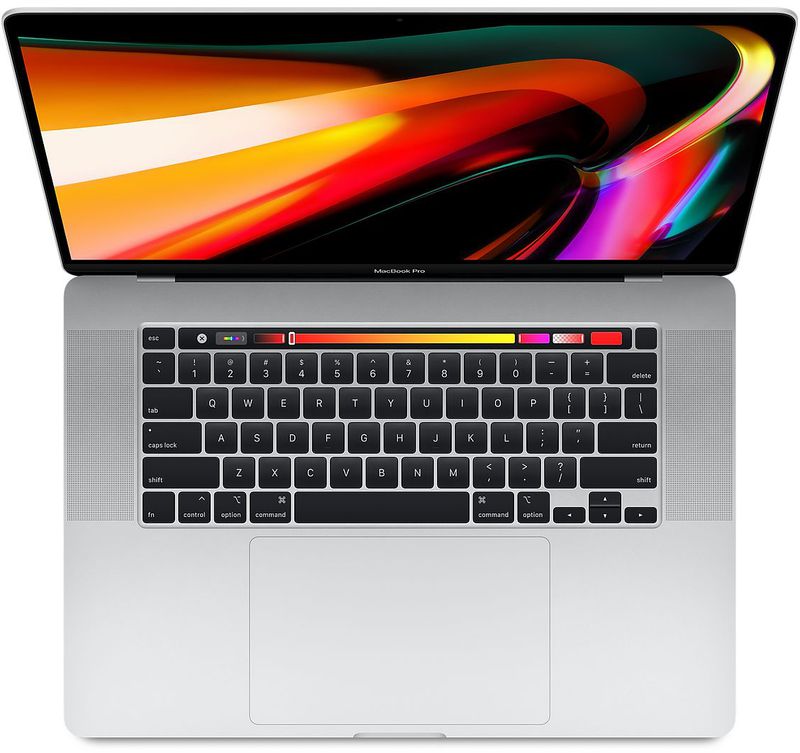
However, the latest trick – first shared in the MacRumors Forums by BigMcGuire – appears to have a high success rate, although depending on your Mac model, your mileage may vary.
If you yearn for that classic Mac sound, follow these steps to re-instate it.
- Launch the Terminal app, which can be found in the Applications/Utilities folder. This will open a Terminal window and a command prompt for you to begin typing.
- Input the following command and then press Return: sudo nvram StartupMute=%00
- Enter your admin user password when prompted.
- Close Terminal, then restart your Mac.
Make sure the volume is up, and with a little bit of luck, you’ll hear that soothing F-sharp chord sound the next time your Mac boots up.
If you want to get rid of the chime after re-activating it, simply repeat the steps above but replace the Terminal command in step 2 with the following: sudo nvram StartupMute=%01.
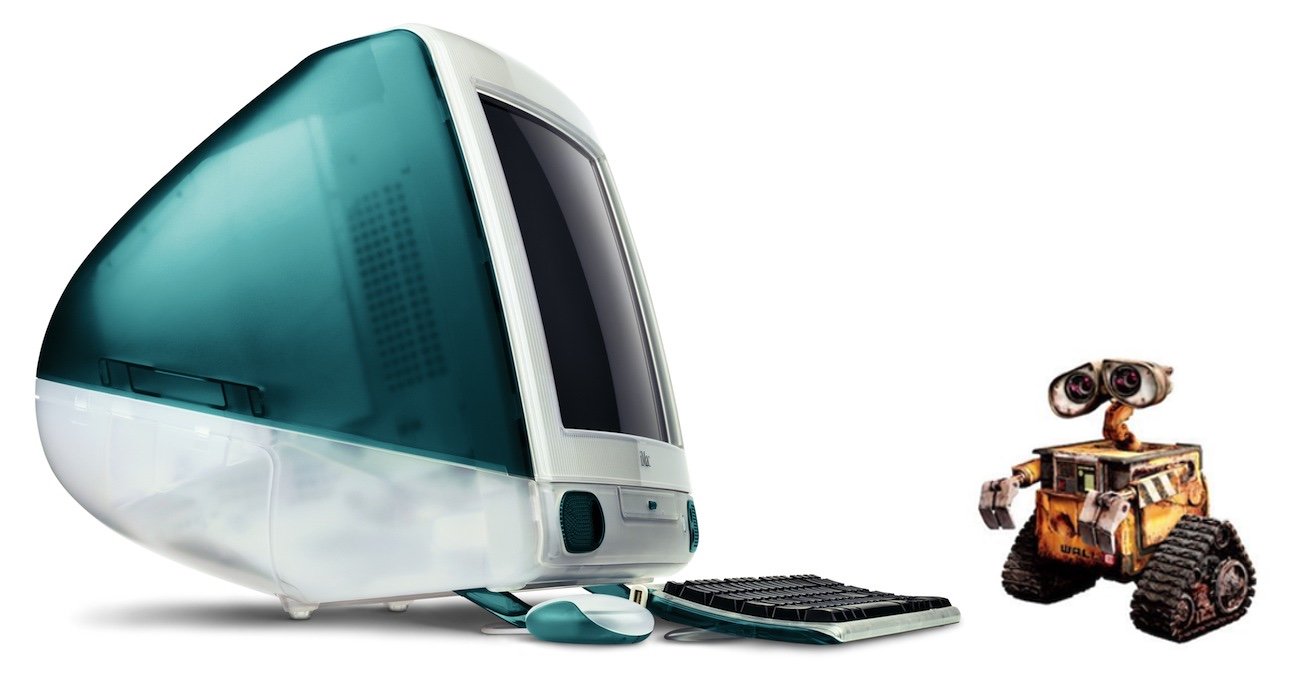
The iconic chiming startup sound was originally made to indicate that diagnostic tests had found no hardware or software issues. A similar sound accompanied almost every Mac boot sequence since 1991 and the most recent F-sharp chord incarnation was first used in the iMac G3.
Originally, a C major chord was recorded by Apple engineer Jim Reekes using a Korg keyboard, but what most users will hear these days is a pitch-shifted version of the sound made by the Macintosh Quadra family of professional computers, first released in 1991.
The Mac startup sound was immortalized in the 2008 Disney-Pixar movie WALL*E. When the titular robot character has reached 100 percent power after positioning his solar array, the booting chime goes off.