

- System controls: Google Assistant can remotely turn your console on and off, as well as restart your console with commands like “Hey Google, turn on Xbox” or “Hey Google, reboot Xbox.”
- Game and app launching: You can also launch games or apps using just your voice with commands like “Hey Google, launch Gears 5” or “Hey Google, launch Netflix.” You can also switch to specific TV channels if you route that through your Xbox.
- Volume controls: While you’re launching games and apps from your Xbox, you can also control the sound with commands like “Hey Google, mute Xbox” or “Hey Google, turn the volume down on Xbox.” This also works in the reverse direction.
- Media controls: In the same vein of thought, you can also control media on your Xbox if you’re in an app with commands like “Hey Google, pause” or “Hey Google, next.” Again, this also works the other way around.
- Screen capturing: One of the cooler features in my opinion, you can have Google Assistant take screenshots or record clips with commands like “Hey Google, take a screenshot on Xbox” or “Hey Google, record that on Xbox.” Now you don’t have to take yourself out of the game to grab that last awesome gaming moment.
Microsoft and Google may add more commands in the future, but for now, there’s already a pretty decent suite for anyone who regularly uses Google Assistant in their life. Now you can have everything set-up just the way you like it before you even get home.
Gaming has never been this easy.
Control your Xbox

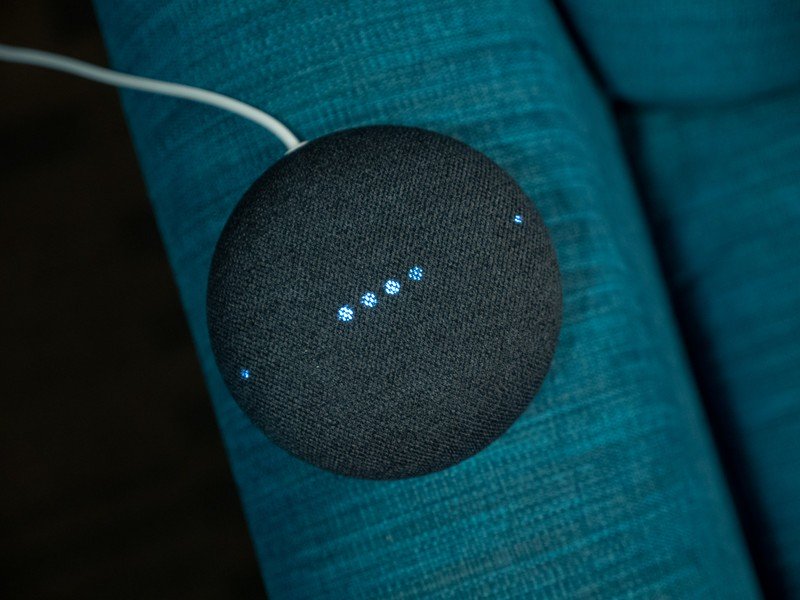
Google Nest Mini
A smarter home and console
The Google Nest Mini is the latest iteration of Google’s prolific Home Mini smart speakers, and features the same great design with better audio and is perfect for anyone interested in making their home more intelligent. And now it controls your Xbox too.