

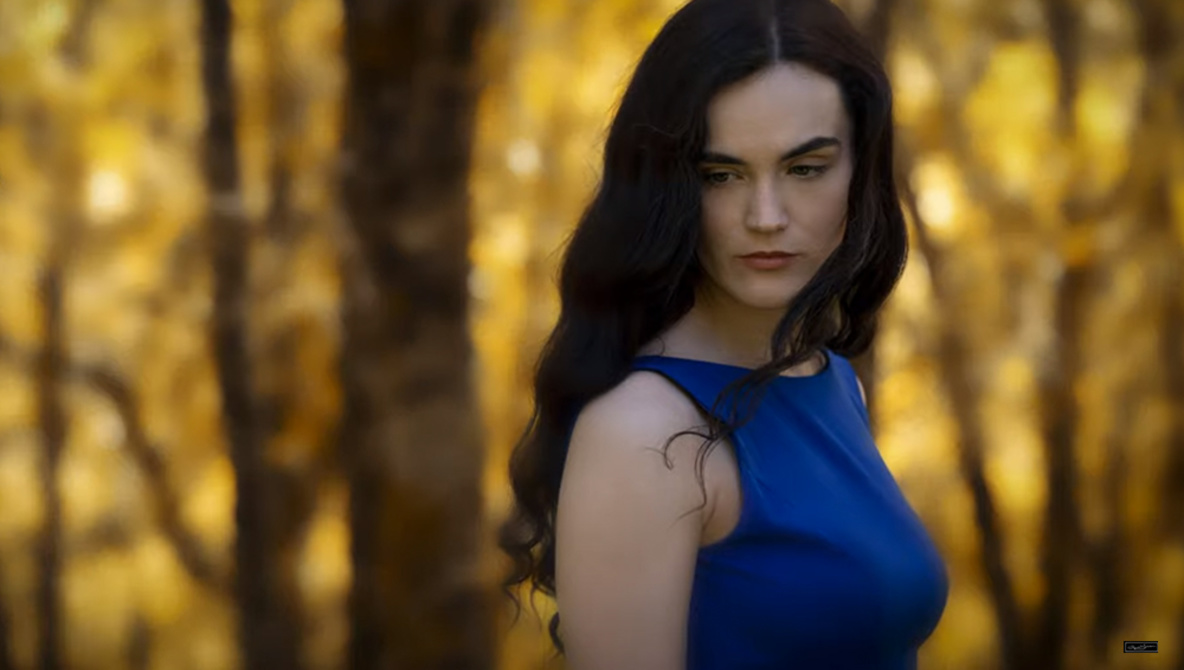
Luminar 4 has generated a fair amount of buzz for its new AI features, such as one-click sky replacement, making it an intriguing alternative to the standard Adobe ecosystem products. If you are just diving into the new version of the software, this great video will show you five different creative editing techniques you can do with the program, including some that leverage its impressive AI capabilities.
Coming to you from Gary McIntyre Photographer, this excellent video will show you five creative editing techniques you can use in the newest version of Luminar 4 (just a note: for the atmospheric haze technique, you will need to be sure you have updated to version 4.1, which should be available soon). I have to admit that I was quite intrigued by Luminar 4, and I ended up preordering it, and since I got my copy, it has been a blast to play with and has really reinvigorated my enjoyment and curiosity for post-processing. The AI capabilities are also quite impressive and can make your workflow much more efficient when used properly and within reasonable limits, but more than anything, it is simply an fun application to use. Check out the video above for the full rundown from McIntyre.