

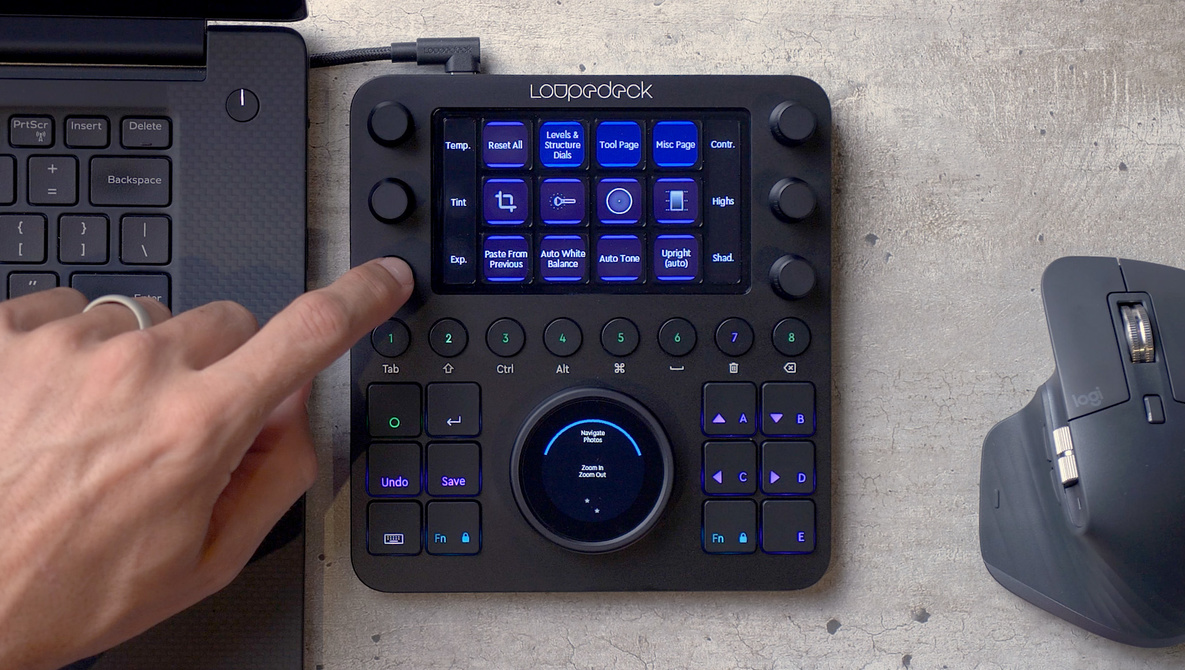
Today, Loupedeck launched the new Creative Tool or “CT.” They sent me a pre-production unit a month ago, and I’ve got some thoughts.
The original Loupedeck was a keyboard sized input device that turned all of the digital sliders in Adobe Lightroom into physical buttons and knobs that were easier to find and faster and more accurate to use than a mouse. The Loupedeck CT (short for Creative Tool) is a continuation of that idea, but instead of being the size of a keyboard, it’s now a smaller device with customizable touchscreens. And now, with the help of these touch screens, the CT allows the unit to control almost any application, not just Lightroom.

Build Quality
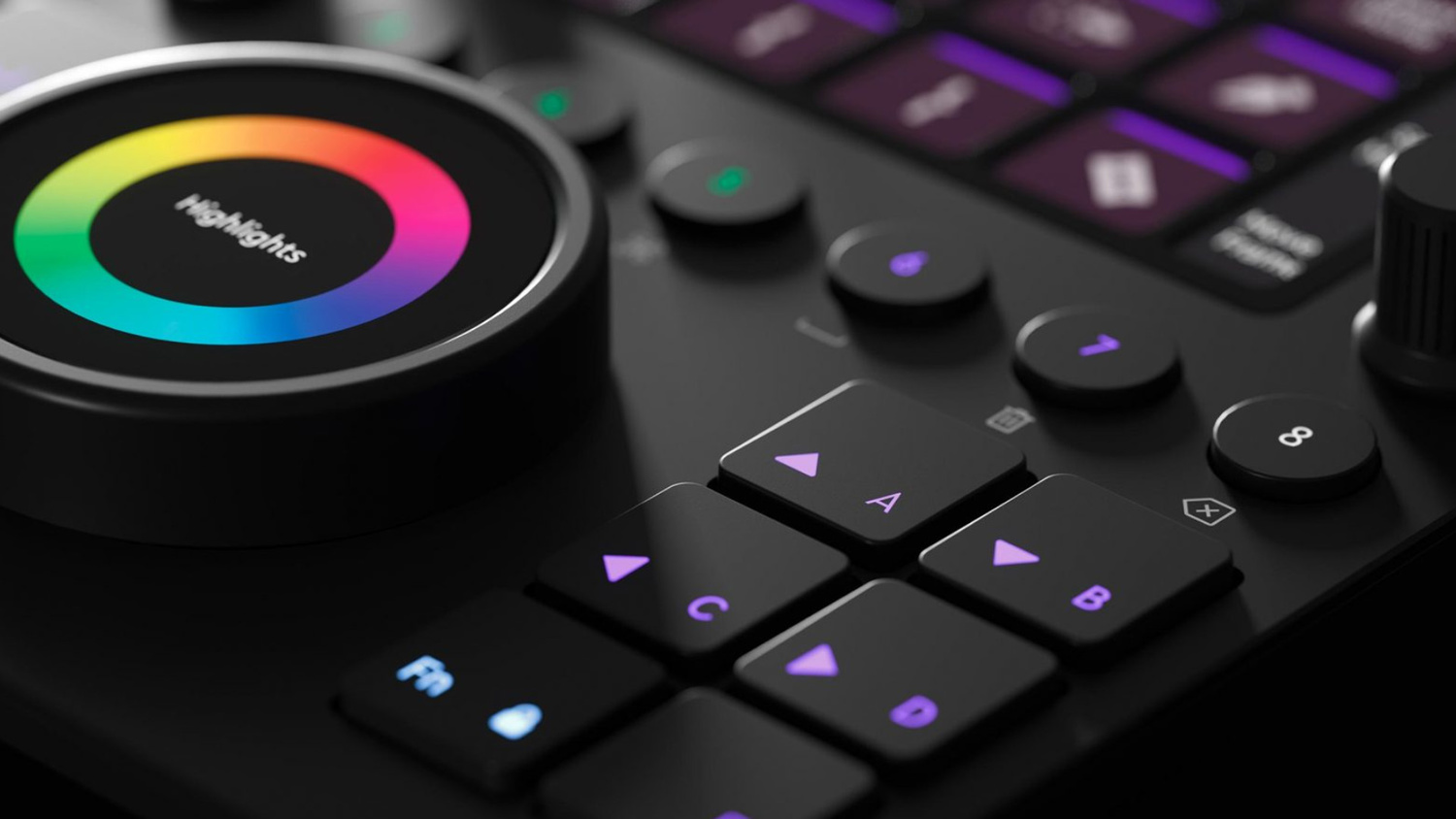
The original Loupedeck was pretty affordable, and it felt like it. The buttons and knobs felt light and flimsy. The Loupedeck+ was a big step in build quality. The entire unit felt more solid, and the buttons and knobs more secure. The Loupedeck CT feels like another huge leap in build quality. The top of the unit is made of black aluminum, the buttons press with a satisfying click, and the knobs turn silently with secure-feeling stops. The buttons are capable of changing colors, and of course, the touchscreen buttons can completely change as well. Although the build quality is impressive, the Loupedeck CT does not have smooth animations like Apple’s Touchbar.

Ease Of Use
I’m happy to report that after installing Loupedecks software and plugging in the CT with USB, everything instantly worked. Without me doing any customization, the CT knew which application I was in as well as which part of each application I was in, and it would change the touch screen buttons accordingly. I was worried that a product with this much complexity would take hours to set up, but you will have yours up and running in a few minutes.
In Use
The CT is far more versatile than the original Loupedeck, but at the same time, it isn’t as intuitive. When all of the buttons are physical and locked in one place, you will quickly learn where everything is. But the CT may have different options every time you look down at it, depending on what you’re doing. This is good and bad. It’s good, because the CT can do so much more, and you can customize it in any way that you like, but it’s bad, because it will take longer to learn.
Loupedeck did an amazing jobs making something as complex as the CT instantly usable without reading or watching any tutorials, but for this to truly speed up your workflow, you’re going to have to use it for a while.

Customization
To fully unlock the power of the Loupedeck CT, you’re going to want to customize it for your personal workflow. Maybe you will want the CT to show tools and features that are buried in your software, or maybe you will want the CT to show only the tools that you use most.
I personally didn’t spend much time customizing this, but I’m sure that Loupedeck is going to be releasing a ton of new videos with tips and tricks for customizing and editing with the CT.

Who Is This For?
The Loupedeck CT is not for everyone. I’m sure many of you reading this think using a mouse and keyboard is plenty fast, and if so, this product isn’t for you. The CT is for professionals that find themselves doing the same tasks for hours at a time. Saving a second here and there hundreds or thousands of times a day will save you hours in the long run. The CT will work right out of the box, but the type of person who is probably going to buy it will be excited to customize every detail of it. At $550, the CT isn’t cheap, but for those of you who need something like this, you’re probably more than willing to pay this price for something as polished as the CT.
Conclusion
The Loupedeck CT is an exciting product, but it is not a replacement for the Loupedeck+. If you spend most of your time in Adobe Lightroom, I think the Loupedeck+ is the better option. But, if you’re like us, and you spend time in Lightroom, Photoshop, and Premiere, the CT is the better option. Not only can it work with almost any application, it’s also much smaller and easier to travel with.
As is the case with most ultra-specialized tech, most consumers won’t have a use for it and therefore won’t be able to justify the price. But, for the creative professionals who this was built for, you know who you are, and you’re going to love it.