

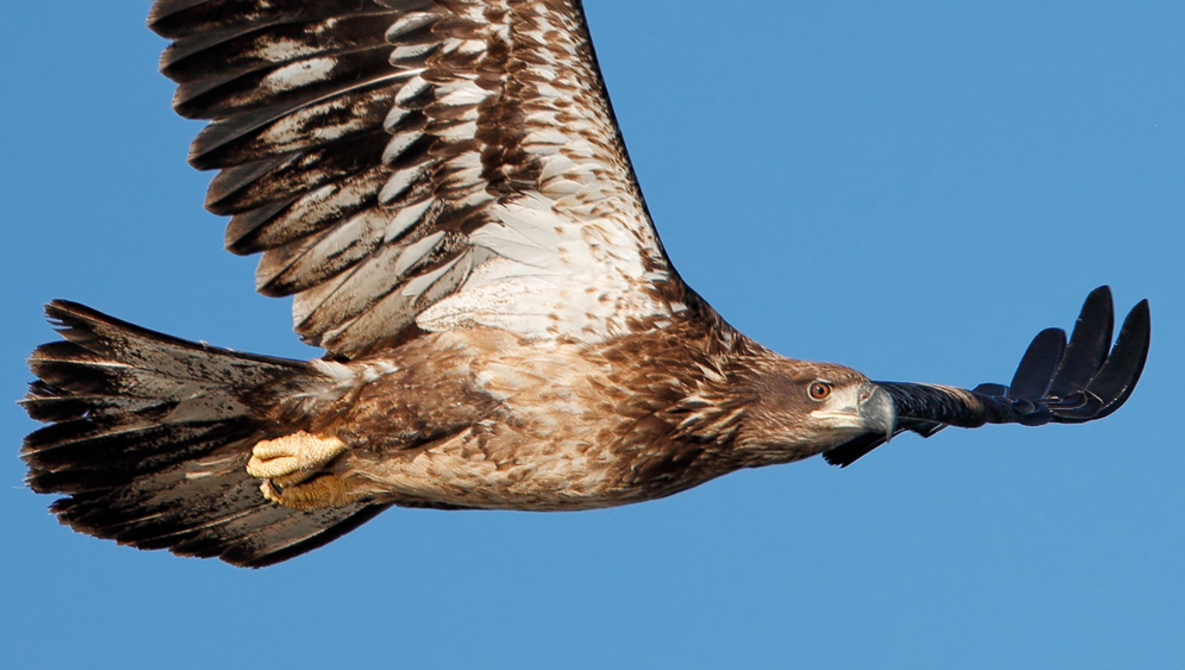
Topaz Labs software has more recently been talk of the town in the wildlife photography community, and for good reason. Just like the needs for wildlife gear can get extreme with the 500mm and 600mm uber-expensive lenses and hyper-fast cameras, the demands for software that can squeeze every bit of fine feather or fur detail out of images is equally desired. Many people, myself included, have now been turned onto Topaz DeNoise AI and Sharpen AI to achieve this.
In this video from my YouTube channel, I first get into showing how DeNoise AI works and share four photo examples ranging from ISO 1,000 up to ISO 8,000 shot with my Sony a7R IV — not a super great low light camera in the first place, especially when I keep it paired to the slower FE 200-600mm f/5.6-6.3 G OSS lens.
The latter half of the video I start using Sharpen AI and really show off some magical editing to recover five images that are out of focus or just plain blurry. Whenever I tell people about Sharpen AI I say that it doesn’t work perfect with every photo you feed it, but when it does work, there’s nothing else like it. It’s one hell of a rollercoaster when you come back from shooting, see that you probably messed up a shot you really wish you had but for one reason or another didn’t work out to get it sharp, only to have it be recovered straight to perfect with Sharpen AI.