

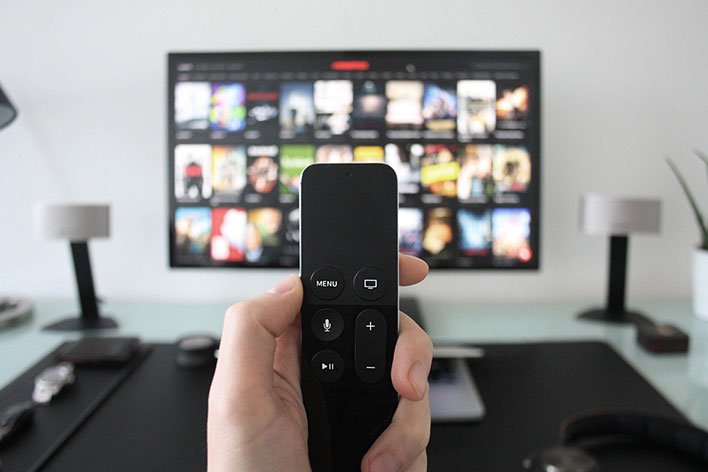
Okay, let’s get to the tweaking tips…
Turn Off Noise Reduction And Reduce Sharpening For A Better Super Bowl Picture
Today’s televisions come littered with software features to improve the picture, and while they can in some cases, they can also make images look worse. Bear in mind that no two TVs are the same. Even if plopping two identical makes and models next to each other with the same settings, the picture can be different.
That said, turning off noise reduction can potentially yield a better picture. Noise reduction was a bigger deal in the days of analog TVs. As noted by Consumer Reports, it’s stuck around on today’s TVs because it can help when up-converting video signals. But if you want to keep the image as clean as possible, turn it off. Otherwise, you risk compromising finer details and textures.
As for the sharpness setting, it is intended to enhance finer details, but it can make images look worse, especially when set to high. In many cases, it is simply not needed on high definition content, including 1080p and 4K.
One of the side effects of having the sharpness level too high is an unnatural halo effect around images. It can also make images grainy. So, lower the sharpness setting, or reduce it all the way to zero. Use your eyeballs as a gauge to see which looks better to you.
Play Around With Motion Smoothing During Super Bowl Play Action
Motion smoothing is intended to combat motion blur and reduce judder. It does this by injecting artificial frames, based on what the previous and next frame look like. Instead of viewing an image at 24 or 30 frames per second, motion smoothing bumps that figure to 60 or 120 fps.
Turning this setting off can make TV shows and movies look better. It gets a little bit murkier when dealing with fast-action sports. Some people recommend turning off motion smoothing all the time, other say to leave it on during sports.
Your best bet is to try both settings. If you can, find a football game before the Super Bowl (channels often replay past games) and see which looks better to your eyes—having motion smoothing turned on or off. If that is not possible, experiment early on in the Super Bowl, make a quick determination, then sit back and enjoy the rest of the game.
‘).insertAfter(jQuery(‘#initdisqus’));
}
loadDisqus(jQuery(‘#initdisqus’), disqus_identifier, url);
}
else {
setTimeout(function () { disqusDefer(); }, 50);
}
}
disqusDefer();
function loadDisqus(source, identifier, url) {
if (jQuery(“#disqus_thread”).length) {
jQuery(“#disqus_thread”).remove();
}
jQuery(‘
‘).insertAfter(source);
if (window.DISQUS) {
DISQUS.reset({
reload: true,
config: function () {
this.page.identifier = identifier;
this.page.url = url;
}
});
} else {
//insert a wrapper in HTML after the relevant “show comments” link
disqus_identifier = identifier; //set the identifier argument
disqus_url = url; //set the permalink argument
//append the Disqus embed script to HTML
var dsq = document.createElement(‘script’); dsq.type = ‘text/javascript’; dsq.async = true;
dsq.src = ‘https://’ + disqus_shortname + ‘.disqus.com/embed.js’;
jQuery(‘head’).append(dsq);
}
jQuery(‘.show-disqus’).show();
source.hide();
};
function disqusEvent()
{
idleTime = 0;
}