

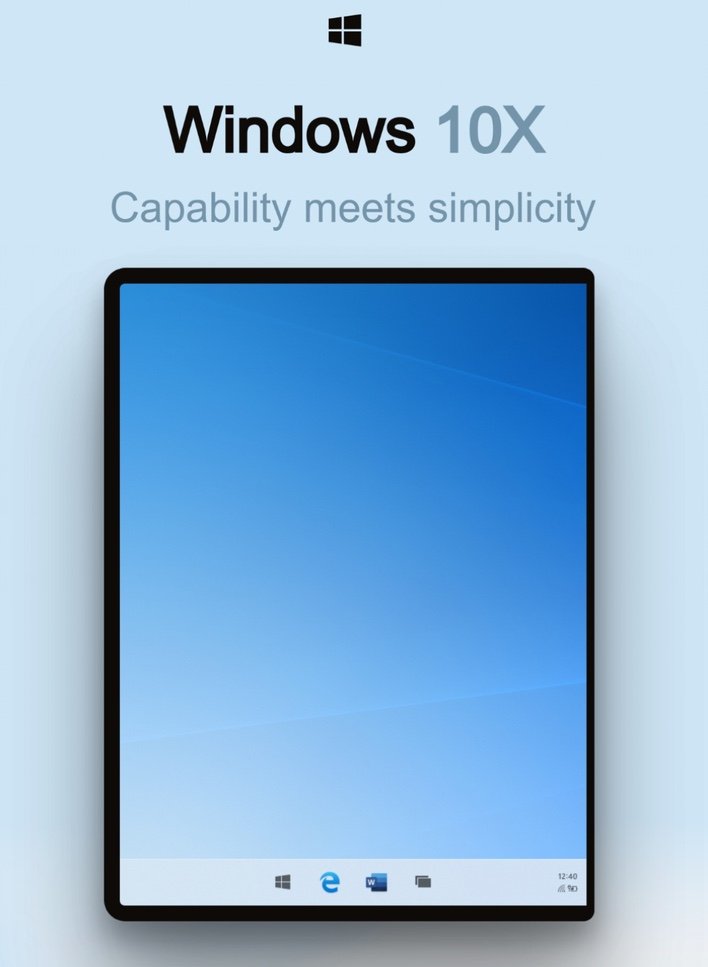

A big leak has given up lots of details on the upcoming Windows 10X, which was initially thought to be for dual-screen laptops only. According to the leaked details, it appears as if Windows 10X will also come to traditional notebooks as well. Twitter user and frequent Microsoft leaker WalkingCat discovered the documentation online.
The documentation of the OS says that local apps and progressive web apps (PWAs) will be handled the same under the new OS. The goal with Windows 10X is to be extremely user-friendly and straightforward, making it convenient to use as possible without being obstructive to what the user it trying to do.

To facilitate that, the OS has a Quick Settings menu that helps a user to find their most frequently used settings in one place. The traditional Start menu is referred to as the “Launcher” in Windows 10X and has a web search function and an area with user-definable static apps and web pages. The Launcher also offers a list of recommended documents.
Microsoft thas ditched the push-aside screen lock that Windows 10 users are familiar with, using a system that allows users to go straight to authentication as soon as the machine is booted. As soon as the machine boots, Windows Hello will be looking for the user and take them straight to their desktop.

Microsoft touts Windows 10X as an “OS that blends into the background” that is designed to let users focus on the task at hand. Tasks on Windows 10X are built around launching, notifying, searching, and more. Microsoft wrote in the documentation that “Santorini,” which is the codename for the Lite version of the OS, adjusts to the way people interact with it.
Windows 10X was designed with goals and principals of getting users back to their flow quickly and effortlessly, finding no dead ends of a user doesn’t find that they are looking for, and building long term trust in the value of its recommendations. Search can find things on the web or look for apps and files on the device.
— WalkingCat (@h0x0d) October 25, 2019
Search makes zero input suggestions, has active input and search results, and supports touch, keyboard, and voice input. Apps and websites can be re-arranged with a simple drag and drop action and can be expanded easily with a “show all” function. The full details are offered via the tweet above, but as of writing, the website was down. Windows 10X was previously thought to be for dual-screen laptops only.
‘).insertAfter(jQuery(‘#initdisqus’));
}
loadDisqus(jQuery(‘#initdisqus’), disqus_identifier, url);
}
else {
setTimeout(function () { disqusDefer(); }, 50);
}
}
disqusDefer();
function loadDisqus(source, identifier, url) {
if (jQuery(“#disqus_thread”).length) {
jQuery(“#disqus_thread”).remove();
}
jQuery(‘
‘).insertAfter(source);
if (window.DISQUS) {
DISQUS.reset({
reload: true,
config: function () {
this.page.identifier = identifier;
this.page.url = url;
}
});
} else {
//insert a wrapper in HTML after the relevant “show comments” link
disqus_identifier = identifier; //set the identifier argument
disqus_url = url; //set the permalink argument
//append the Disqus embed script to HTML
var dsq = document.createElement(‘script’); dsq.type = ‘text/javascript’; dsq.async = true;
dsq.src = ‘https://’ + disqus_shortname + ‘.disqus.com/embed.js’;
jQuery(‘head’).append(dsq);
}
jQuery(‘.show-disqus’).show();
source.hide();
};
function disqusEvent()
{
idleTime = 0;
}