

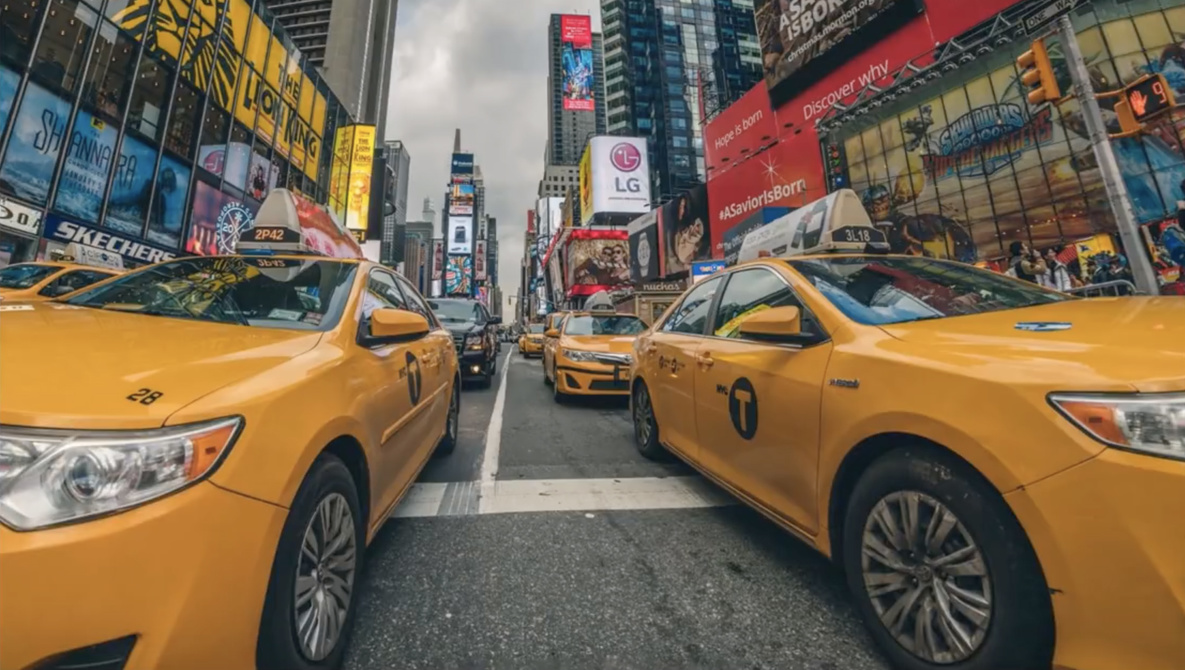
Super wide-angle lenses can expand the field of vision in your images, but they often come with an unwanted side effect — lens distortion. The good news is distortion can easily be fixed in Photoshop with this tool.
As Unmesh Dinda demonstrates in this quick tutorial from PiXimperfect, the adaptive wide angle filter is a powerful tool for eliminating the distortion created by fisheye and other wide-angle lenses. Simply clicking and dragging the tool along the curved edges of distorted lines will straighten them out. You can then adjust the as necessary to achieve the desired effect.
Of course, this will lead to some areas of the image that are unfilled white space. The image can then be cropped down to eliminate that white space, or you can use the content aware fill tool to fill in the gaps.
This technique is particularly useful in real estate photography, where wide angle lenses are necessary to capture as much of a property as possible despite often tight quarters, and street photography, where city buildings will often distort as they stretch high to the top of the frame.
Have you used the adaptive wide angle filter to adjust your photos? Let us know your tips and tricks for eliminating distortion in the comments below.