

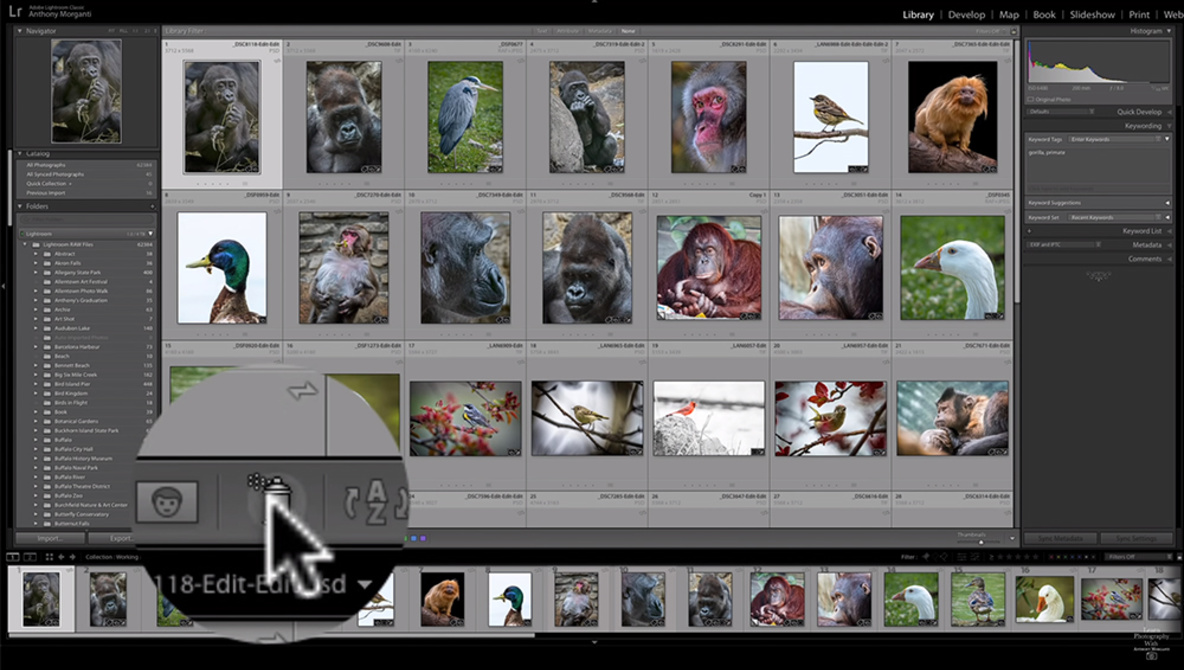
The Painter tool is extremely easy to overlook in Lightroom, and yet, it is a highly efficient way to add data to your photos and keep them better organized. This great video will show you the tool, how it works, and why it is so useful.
Coming to you from Anthony Morganti, this excellent video dives into the Painter tool in Lightroom. The Painter tool is probably my favorite way to add data or image attributes to a wide collection of photos quickly and easily. Personally, if I have a lot of photos that I want to tag with some sort of data using the Painter tool, instead of carefully clicking each of them with the tool or working in a swath, I select the images first (especially if they are all in a row, where I can simply select the first, hold the shift key, and select the last), then I click any single image out of those selected with the Painter tool, and the attribute is applied to all of them. It is my favorite way to efficiently add keywords to my catalog of images to keep everything organized and easily sortable. Check out the video above for the full rundown from Morganti.