

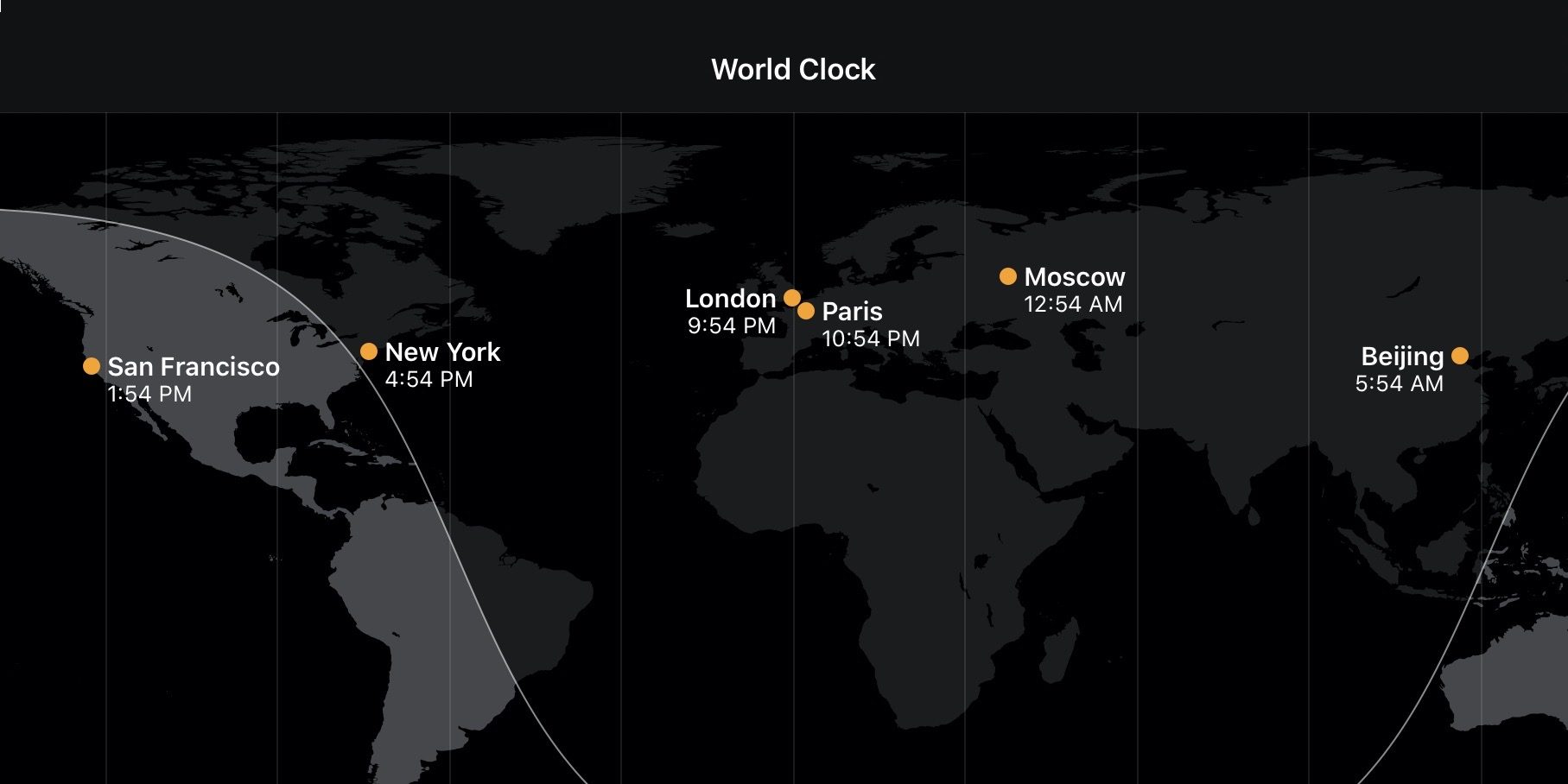
Want to quickly check what time it is in another city, state, or country? Follow along for how to check different timezones on iPhone, iPad, Mac, and Apple Watch
There are a couple of ways to check what time it is in another place. On Apple devices, the fastest way is to use Siri and we’ll also cover using the World Clock app on iPhone, iPad, and Apple Watch.
How to check timezones on iPhone, iPad, Mac, Apple Watch, and HomePod
Siri
Using Siri is the fastest way to find out the time in a certain city or location on any Apple device.
- Try a question like “What’s the time in _________?”
- You can also ask “What’s the timezone in _________?” Siri will sometimes find the answer (i.e. UTC +2 but is more reliable at answering what the local time is somewhere vs. giving the timezone)

World Clock app
This option is useful if you’d like to regularly refer to certain cities or locations or for situations where you can’t or don’t want to chat with Siri.
- Open the Clock app on iPhone, iPad, or Apple Watch
- Tap the World Clock tab in the bottom left
- Tap the “+” icon in the top right to add more locations
- On Apple Watch scroll or swipe to the bottom to add locations
Read more 9to5Mac tutorials:
AirPods Pro:
iPhone & iPad:
Mac:
FTC: We use income earning auto affiliate links. More.

Check out 9to5Mac on YouTube for more Apple news: