

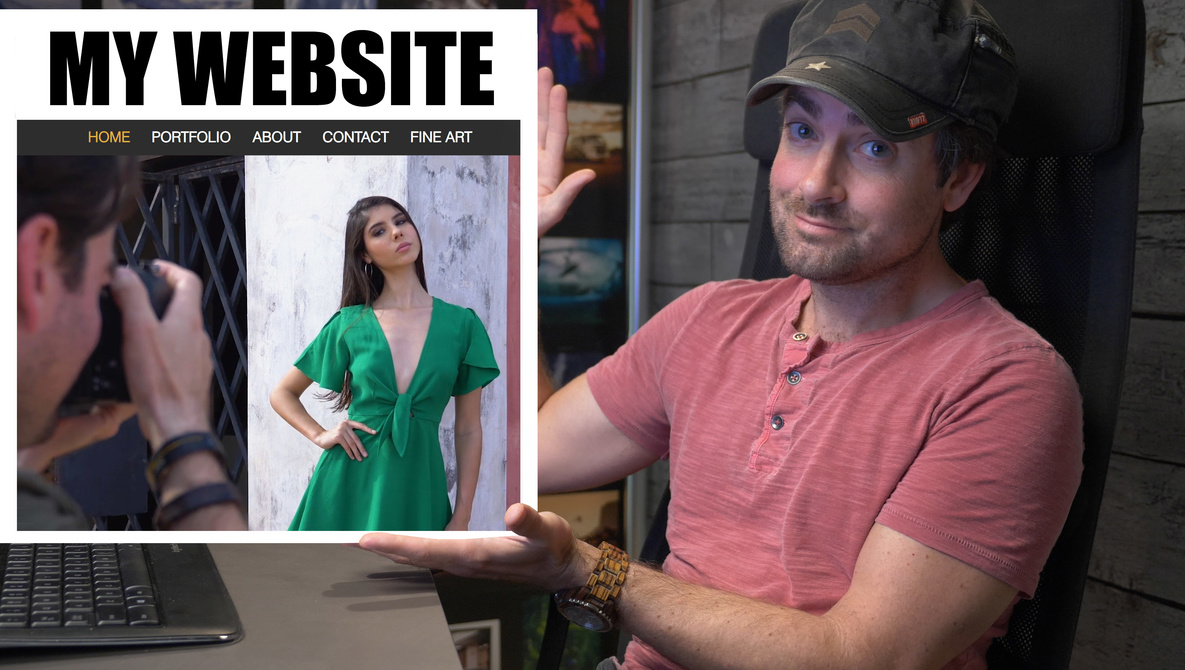
For the last month, we’ve teamed up with Wix for a series called “How to Build a Website.” In this series, Lee and I talk about some of the advantages and mistakes photographers make when creating their own website. Today, I release my new commercial photography website and walk you through the process.
When the website design company Wix reached out to us, asking if we would be interested in creating sponsored content for them, I thought it would be helpful to not just demo what Wix’s platform is capable of building, but also share what features and techniques photographers could actually use to help their own photography businesses. If you want to watch the previous videos in this series or keep up with the entire series, you can watch the entire series on the How to Make a Website YouTube Playlist.
In the previous two videos, Lee and I sat down to talk about some of the mistakes photographers make when naming their photography business. We also talked about some of the features that you might want built into your website and how to curate your portfolio to match the expectations of your potential clients.
My Goals
Over the years, I’ve built about a dozen of photography websites for different photography businesses. I’ve had at least five different wedding websites. Along the way, I’ve probably made a few separate sites for family portraits, a photo booth, commercial photography, and a bunch of different portals for proofing galleries and hosting slideshows. Almost 10 years ago, I helped build the very first version of Fstoppers before it became the massive community-driven website it is today. For this new website, I wanted to approach it a bit differently.
As you will see in the video above, I had a few goals for this new website. Below, I’ve made a few bullet points so you can see some of the elements I wanted to include.
- New domain name that uses my name
- Clean galleries that show my favorite photoshoots
- Heavy use of video to help establish my brand
- Heavy use of my own image to help connect with potential clients
- Promo reels of some of my biggest, most viral photoshoots
- Easy navigation on both desktop and mobile devices
- Ecommerce store integration so I can sell more prints and digital products down the road
- Simple contact page that requires just the right amount of personal information
- Strong search engine optimization so that my images and website are easy to find on Google
Many of these concerns and goals are addressed in the previous two videos we released, and a few of them will be addressed in the final video coming out next week. The main goal I wanted to address here is about using video to brand your own website.
Video, Video, Video
In last week’s article, I challenged our readers to include a portrait of themselves somewhere on their website. In today’s article, I want to urge you to start working on a good promo reel for your website. Promotional reels are often viewed as something only videographers can create, but I think anyone in any profession can create an exciting video that shows them on a typical day.
When Lee and I first started Fstoppers, we had a very simple goal: we wanted to create a website that taught photography through video instead of text. What makes video so powerful is it can explain a lot more in a lot less time than a simple photograph. If a photo is worth a thousand words, then a short video clip is worth a million. By using video alongside your photography, you can show your potential clients what a typical shoot of yours looks like, you help them put a face to your brand, and you can sell them on a much stronger emotional experience than you can with just still photos.
I knew going into this website series that I was going to have to create a new website myself. Having a fun promo video front and center was something I was looking forward to building, and having visited dozens and dozens of websites the last month, I also know very few photographers have video built into their own websites. When you first visit my new website at PatrickHall.Photography, I didn’t want loud audio blasting you immediately. Instead, I wanted something eye-catching that told my story in the fastest way possible. Below is the audio version of my promo reel if you want to experience my edit in its full glory, but again, I don’t recommend having the audio on when visiting your website.
As you can see from the video above, I’ve used tons of behind the scenes clips from some of my favorite photoshoots and life experiences to create an exciting 30-second video that embodies everything I’ve done in my career so far. Now, you might be saying: “but I don’t have any behind the scenes videos to make a promo video from!” Well, now is the time to start filming a few short clips on each of your bigger productions. These videos will become incredibly valuable for your business down the road. If you are a wedding photographer, have your assistant or second shooter capture a few clips of you working with the bride and groom or wedding party. If you are a commercial photographer, do what my buddy Monte Isom has done and film behind the scenes videos of the shoot. If you are focusing on portrait photography, take a few slow motion clips of each of your portrait clients. Having footage like this is an easy way to market your business in a way most of your competition is not going to do themselves.
Another area I’ve used video to promote my work can be found on my Stun Gun Photoshoot section of my website. When that series went insanely viral, I made sure to screen capture every television show and newscast it showed up on for future promotion. On that section of my website, I edited another high-energy promo video that mixed all of that footage together with the original video footage so that my clients could see just how popular that series had become. Many photographers have a section of their website that shows all the brands they have worked with and all the places their work has been published. For me, this promo video serves a similar purpose and shows potential clients that my photography has been on some pretty big platforms.
Get Your Own Website With Wix
Hopefully, my website and my use of video has inspired you to revamp your own website and to start capturing video clips of yourself for future marketing. If you don’t already have a website, or if you want to test drive a website from Wix, head over to Wix.com/fstoppers and try out a site for free, and then save a little if you decide to upgrade to the full site. We will soon be releasing episode four of “How to Build a Website” with Wix, where I will cover some of the techniques you can use to get traffic and exposure for your new website